TL;DR
- If your website takes more than 3 seconds to load, more than half of your mobile visitors will leave before they see anything.
- You can check your website speed for free in 30 seconds using Google’s PageSpeed Insights tool — no technical knowledge needed.
- Most websites are slow because of heavy images, too many plugins, bloated code, and cheap hosting — not because the internet is slow.
- The technology your website is built with determines whether it’s fast or slow by design. Some sites load in under a second because of how they’re built, not because someone optimized them.
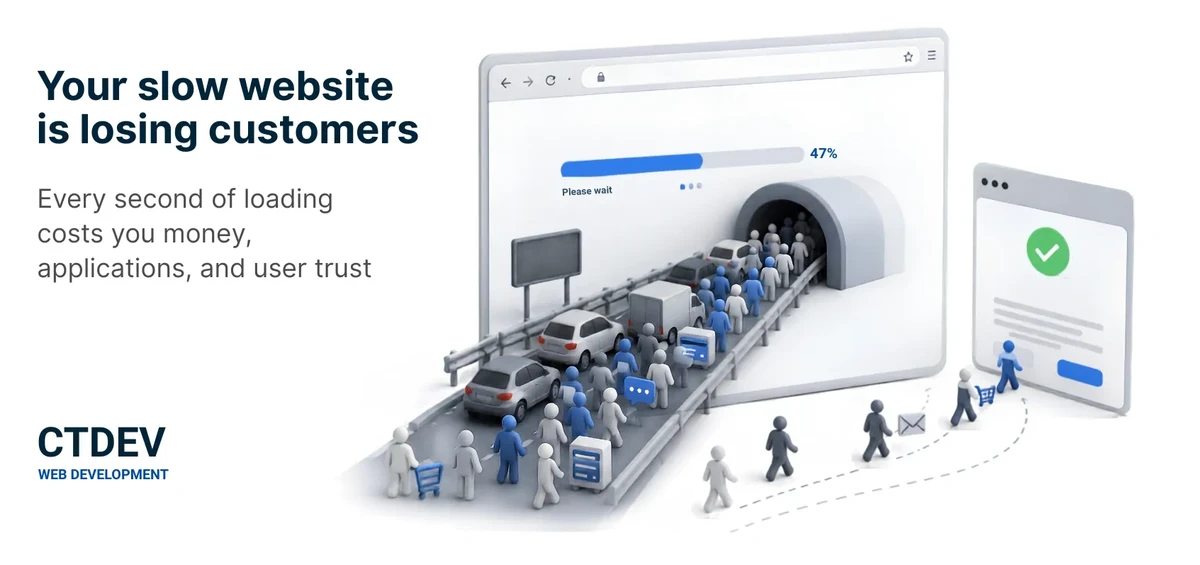
You’re on your phone. You tap a link to a local website. The page is blank. You wait. A loading spinner spins. You wait more. Nothing appears. You hit the back button and try the next result. That “next result” is your competitor. This happens every time your website is slow — and most people have no idea it’s happening.
The Speed-Cost Reality
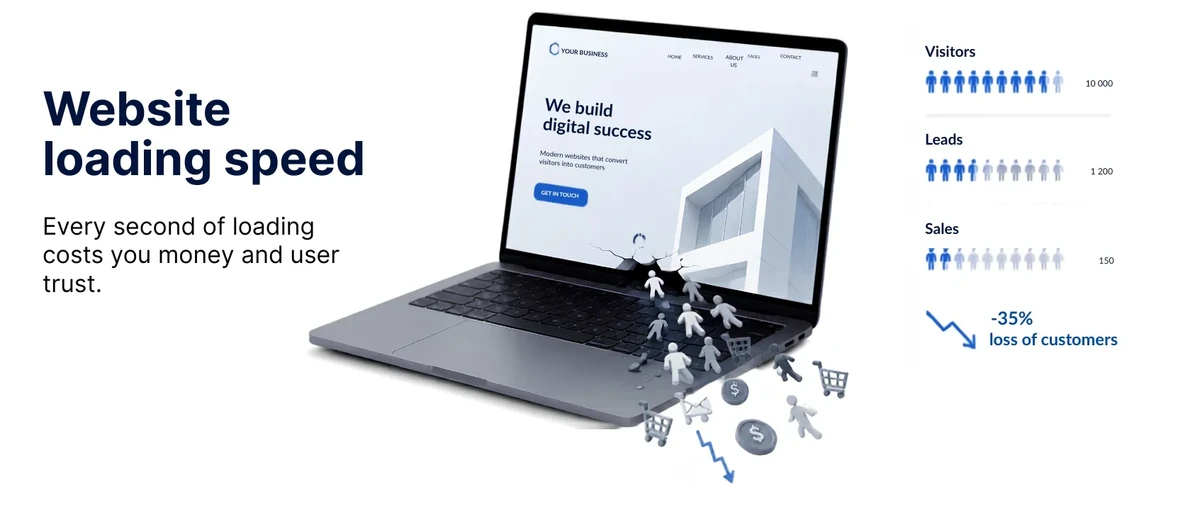
Research from Google found that 53% of mobile visitors abandon a page that takes more than 3 seconds to load. That’s not a “maybe” — more than half of the people trying to reach you simply give up. They don’t wait. They don’t give you a second chance. They go to the next Google result and call whoever loads faster.
Amazon famously calculated that a 1-second delay costs them billions in lost sales. You may not be Amazon, but the principle scales down: every second of delay means lost calls, lost form submissions, lost visitors. The difference is that Amazon knows exactly how much each second costs them. You don’t — because the visitors who leave never show up in your analytics. They’re invisible losses.
How to Check Your Website Speed (Free, 30 Seconds)
You don’t need to guess. Google gives you a free tool that tells you exactly how fast your site is and what’s slowing it down.
- Go to pagespeed.web.dev — free, no account needed.
- Type in your website address. Click “Analyze.”
- Wait about 30 seconds. You’ll get a score from 0–100 for both mobile and desktop.
What the score means:
90–100 — Good. Your site loads fast enough that most visitors won’t notice a wait.
50–89 — Needs work. Visitors on slower phones or weaker connections are probably leaving before the page finishes loading.
Under 50 — You’re losing visitors. Your site is seriously slow, and the people who do wait are having a frustrating experience.
The tool also gives you a list of what’s slowing your site down. The technical report can be overwhelming, but the five reasons below cover the vast majority of slow websites. If you understand these five, you understand why your site is slow.
Why Most Websites Are Slow (5 Real Reasons)
Reason 1: Images That Are Too Large
Photos straight from a phone or stock photo site can be 3–5 megabytes each. If your homepage has three large images, that’s 15MB the visitor’s phone has to download before the page shows up.
A 15MB page on a 4G connection takes 10+ seconds to load. Most visitors leave after 3.
The fix: images should be compressed — shrunk in file size without visible quality loss — before being uploaded. A 3MB photo can become 150KB, twenty times smaller, with no visible difference on a phone screen. This is the single most effective speed fix for most websites. If you do nothing else, compress your images.
Reason 2: Too Many Plugins or Extensions
If your site runs on a system like WordPress, each plugin adds code that must load on every page visit. A site with 15 plugins loads 15 extra bundles of code — even on pages where those features aren’t used.
Each plugin adds 100–500 milliseconds of loading time. Ten unnecessary plugins means 1–5 extra seconds of waiting.
The fix: audit your plugins. Remove any you’re not actively using. This is one of the most effective speed fixes for WordPress sites. Plugins are both a speed problem and a security problem — the more plugins you run, the more entry points exist for attackers.
Reason 3: Cheap or Overcrowded Hosting
Your website lives on a server somewhere. If that server is shared with 500 other websites — common with budget hosting at a few dollars a month — it’s like a highway at rush hour. Everyone crawls. When traffic spikes, your site slows to a halt.
A slow server adds 1–3 seconds to every page load, regardless of how well your site is built.
The fix: modern hosting uses a content delivery network (CDN) — a system that copies your website to servers around the world so visitors download from the nearest one. Someone in New York loads your site from a New York server. Someone in London loads it from a London server. This cuts load time dramatically.
Related: Why Your Website Is Always Online — explains how CDN-based hosting works and why it’s faster than traditional hosting.
Reason 4: Bloated Code and Heavy Themes
Many website templates and themes are built with dozens of features you’ll never use — sliders, animations, icon packs, font libraries. All of this code loads on every page visit, even if the features aren’t visible.
A “feature-rich” theme can add 2–4 seconds to your load time for features your visitors will never see or use.
The fix: use a lightweight theme or, better yet, a site built without unnecessary overhead. Simpler sites are inherently faster because they load only what’s needed.
Related: Why Your Website Doesn’t Need to Be Complicated — simpler architecture means faster loading by design.
Reason 5: Too Many Third-Party Scripts
Analytics tools, chat widgets, ad trackers, social media embeds, cookie banners — each one loads a separate script from a separate server. Each script is a separate trip across the internet.
Five third-party scripts can add 2–5 seconds. The visitor’s browser makes five separate round-trips to five different servers before the page is “done.”
The fix: remove scripts you don’t actually use. For scripts you do need, delay non-essential ones — like analytics or chat widgets — until after the page is visible to the visitor. This is called lazy loading: the script loads only when the visitor starts interacting, not before.
What “Fast” Actually Means
Under 3 seconds — Acceptable, but not great. Most visitors will wait, but some won’t.
Under 2 seconds — Good. Visitors don’t notice the wait. The page feels responsive.
Under 1 second — Excellent. The page feels instant. This is the standard we build to for every site.
Google’s own benchmark for their pages is under half a second. They’ve measured the impact down to the millisecond.
To be honest: not every page can load in under a second. A page with many large images or complex interactive features will take longer. The under-1-second standard is achievable for most websites — homepages, service pages, about pages, contact pages. Content-heavy pages with dozens of images will be slower, and that’s a real tradeoff, not a failure.
The Speed–Search Connection
Google uses page speed as a ranking factor. A slow website doesn’t just lose human visitors — it loses search visibility too. Google pushes slow sites down in results because they provide a poor experience. This means speed isn’t just about the visitors who already found you. It’s about whether new people can find you in the first place.
Speed isn’t the only ranking factor — content quality and relevance matter most. But between two similar sites, Google prefers the faster one.
Related: Why Your Website Isn’t on Google — speed is one of several reasons your site might not be showing up in search results.
Why Your Technology Choice Determines Speed Forever
Here’s the hard truth: you can compress images, remove plugins, and switch hosting — but if your website is built on a system that’s inherently slow, you’re patching, not solving.
A website built as pre-built files — no server-side processing, no database queries, no plugin overhead — loads in under a second by design. Not because someone optimized it. Because there’s nothing to slow it down. It’s the difference between driving on a clear highway and one with 15 toll booths.
The technology choice made when your site is built determines whether you’ll spend years fighting speed problems or never think about speed again. That choice happens at build time, and changing it later usually means rebuilding the site from scratch.
Related: How Long Does It Take to Build a Website? (Real Timelines) — the technology decision happens during the build, so it pays to get it right from the start.
The 30-Second Speed Check
Before you do anything else, check where you stand:
- I’ve tested my site at pagespeed.web.dev
- My mobile score is above 80
- My site loads in under 3 seconds on my phone
- My images are compressed (under 200KB each)
- I don’t have plugins or extensions I’m not using
If you checked “no” on two or more, your website speed is costing you visitors every day.
FAQ
How fast should my website load?
Aim for under 2 seconds. Under 1 second is ideal. Over 3 seconds means you’re losing more than half of your mobile visitors. Test at pagespeed.web.dev — if your mobile score is under 50, your site is seriously slow and needs attention.
Does website speed affect my Google ranking?
Yes. Google has used page speed as a ranking factor since 2010 for desktop and 2018 for mobile. A slow site ranks lower than an equivalent fast site. Speed isn’t the only factor — content and relevance matter most — but between two similar sites, Google prefers the faster one.
Can I speed up my website myself, or do I need a developer?
The basics — compressing images, removing unused plugins, testing your speed — you can do yourself in an afternoon. The deeper fixes — optimizing code, configuring caching, migrating to better hosting, rebuilding with faster technology — usually need a developer. If your site scores under 50 on PageSpeed Insights, the problems are likely structural, not just “compress your images.”
Why is my Wix or Squarespace site slow?
DIY website builders add a lot of overhead — their templates include features, scripts, and code that you may not need but can’t remove. You’re also sharing server resources with millions of other sites on the same platform. Some speed optimization is possible within these builders, but you’re limited by the platform’s architecture. If speed matters to you, a purpose-built site will always outperform a builder template.
Related: Wix vs Squarespace vs Hiring a Developer — honest comparison of DIY builders vs custom development.
Bottom Line
Your slow website isn’t just an inconvenience — it’s actively sending potential visitors to your competitors every single day. The good news: speed is one of the most fixable problems a website can have, and the technology to make it permanently fast exists today.
Want a website that loads in under a second? Our hosting setup delivers pages instantly — no optimization needed.
Or get a free quote → — takes 3 minutes, no commitment, we reply within 3 business days.