TL;DR
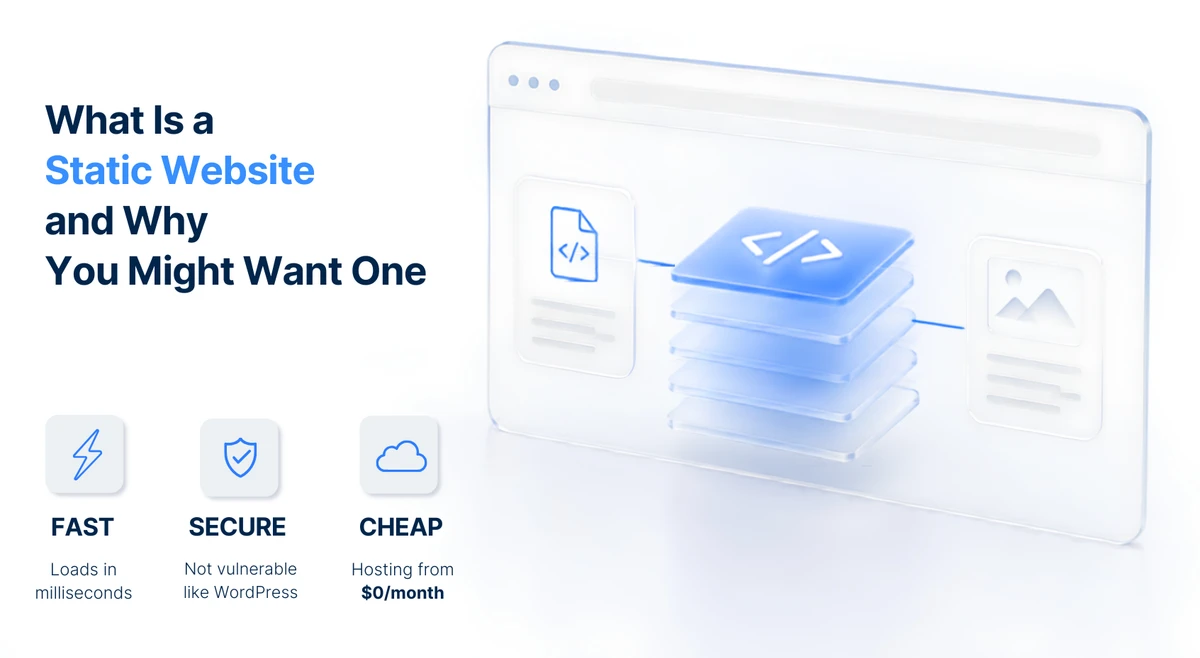
- A static website is one built as finished files — no database, no plugins, no software running on your host. The server just hands visitors the page.
- Compared to WordPress, static sites typically load 3 to 5 times faster, are far more secure (nothing to hack — no database, no login page, no server code), and can cost $0/month to host and maintain.
- The trade-off: you give up features that need a database — user logins, comments, real-time personalization, and a WordPress-style admin dashboard. For most sites (a few pages presenting information), that’s a trade you don’t actually need.
- You can still edit content yourself — modern tools let you write in a simple format and rebuild the site. An optional “headless CMS” brings back a friendly editing screen if you want one.
You keep hearing about WordPress for your website, and now someone’s mentioned a “static website.” You nod — but what does “static” actually mean here, and does it matter for you? Here’s an honest, plain-English answer.
What a Static Website Actually Is
A static website is a set of finished pages — built ahead of time and stored as files. When someone visits, the server hands them the file as-is. Nothing is assembled on the fly.
Think of it like a printed brochure. Once it’s printed, every reader sees the same page — the content doesn’t change until you print a new version. A dynamic site (like WordPress) works differently: it’s more like a live chalkboard, where someone writes the page fresh each time someone asks. That means pulling content from a database (the storage that holds your content), running software on your host to assemble the page, and delivering it to the visitor — all on the fly, every single visit.
That power is exactly what lets WordPress do logins, comments, and personalization. It’s also why it needs constant updates, security patches, and a database that can fail or be hacked. A static site skips all of that — the page already exists as a finished file, so the server just hands it over.
If you just want the case for why simpler sites are better, that’s here — this post is the deeper what and why.
Static vs WordPress — A Head-to-Head
Here’s how the two approaches compare across the six differences that matter most to you.
Speed — Static loads typically 3 to 5 times faster because there’s no on-the-fly assembly and no database queries — the server just hands over a finished file. WordPress builds each page from scratch on every visit, which takes longer. About 32% of visitors leave if a page takes more than 3 seconds to load, and Google ranks faster sites higher — so speed directly affects whether people stay and find you.
Security — Static has no database, no login page, and no server-side code (software running on your host) to exploit. The most common attacks — database injection, brute-force login attempts, and plugin malware — simply don’t apply. WordPress is attackable because it has all three, and it stays safe only with constant updates. The attack surface is a fraction of WordPress’s — not zero (a compromised hosting account or a bad third-party script can still cause problems), but far smaller.
Hosting cost — Static is just files, so hosts like Cloudflare Pages serve it for free. Managed WordPress hosting typically runs $25 to $100 or more per month. Over a year, that’s hundreds or thousands of dollars in difference.
Maintenance — Static needs almost none: no updates, no plugins, no patches, no database backups. WordPress needs regular core, plugin, and theme updates — miss one and your site breaks or gets hacked.
Content updates — WordPress wins here. Its admin dashboard lets you edit pages without touching code. Static uses a different workflow — you write in a simple format and a tool rebuilds the site. Modern tools and an optional headless CMS (more below) close this gap, but WordPress still has the edge for non-technical users who want a familiar dashboard.
Interactivity — WordPress wins again. User logins, comments, e-commerce, and real-time personalization all need a database. Static can’t do these natively, though third-party services can add some of them. If your site needs these features, that’s a real limitation — not a deal-breaker you can hand-wave away.
Related: Why Your WordPress Site Keeps Breaking — the maintenance treadmill explained, and why the problems keep happening.
When a Static Website Is the Right Choice
A static website is a strong fit if your site mostly presents information — who you are, what you do, how to reach you. Think of a brochure site, a portfolio, a landing page, or a small site with your hours, location, and contact details.
It’s also the right call if speed, security, and low cost matter to you and complex interactivity doesn’t. If you want reliable performance even under a traffic spike — no backend to overwhelm, no database to crash — and you’d rather not pay for ongoing maintenance, static delivers on both.
For most sites — a few pages that tell people what you do and how to contact you — static gives you faster, safer, and cheaper without giving up anything you actually use.
When You Should Stick With WordPress
Honesty matters here, because WordPress isn’t bad — it’s a tool, and the question is whether it matches what your site does.
You should stick with WordPress if you need frequent, easy content edits by non-technical people from a dashboard. If multiple people publish posts daily and none of them want to learn a new workflow, WordPress’s admin panel is genuinely the easier path.
You should also stick with WordPress if you need user accounts, comments, or a real online store. These features need a database, and WordPress handles them natively. The same goes for complex interactivity or personalization — showing different content to logged-in users, running a membership site, or processing live transactions.
And if you rely heavily on plugins — a booking system, a course platform, a specific integration — switching to static means replacing or working around each one.
The principle is simple: match the technology to what your site actually does. If your site needs a database, WordPress earns its keep. If it doesn’t, you’re paying for power you never use.
What About Editing? (The #1 Objection)
“How do I update a static site if there’s no dashboard?” This is the most common question, and it has a real answer.
Modern static sites use a static site generator — a tool that takes your content (written in markdown, a simple text format with light formatting) and builds the finished pages automatically. You write the text, the tool does the rest. No need to manually edit the page itself (the HTML).
If you want a friendly editing screen — something that looks and feels like the WordPress dashboard — a headless CMS is the answer. Think of it as an editing screen that isn’t tied to the live website: you write and edit here, and it publishes finished pages there. You get the visual editing experience without giving up the speed and security of static delivery.
So the editing gap is real but closable. You won’t have a WordPress dashboard out of the box, but you can get something very close — without the maintenance that comes with one.
Can You Move an Existing WordPress Site to Static?
Yes. The process is straightforward: export your WordPress content, generate static files from it, and deploy to a host like Cloudflare Pages. Your existing content — pages, posts, images — carries over.
You can even keep your WordPress site as a private “editing backend” while the public-facing site is static. You edit in WordPress; a tool publishes the finished static version. Same content, faster delivery, lower cost, fewer headaches.
The result: a site that loads faster, is more secure, and costs less to run — same content, same words, same images.
The Total Cost Picture
Here’s an illustrative five-year comparison — not a quote, just a pattern to show how the costs stack up.
WordPress — a one-time build, plus roughly $150/month for maintenance (updates, backups, security, the occasional emergency fix), plus $15–$25/month for managed hosting. Over five years, the monthly costs compound: you pay them every single year, and they often go up as the site grows more complex.
Static — a one-time build, plus $0/month for maintenance (nothing to update), $0/month for hosting on Cloudflare’s free tier, and about $12/year for your domain name. Email is optional and can be free through Cloudflare’s email routing.
The pattern: maintenance compounds yearly, while the build is one-time. WordPress costs vary widely depending on your setup, plugins, and host — but the recurring monthly overhead is real and ongoing. Static’s $0 hosting is genuinely free, but the domain (~$12/year) and any optional email setup are separate costs. For a deeper look at how $0 hosting actually works, here’s the honest breakdown, for the full picture on what a website costs to build, that’s here, and for what you should actually pay to keep a site running, here’s the ongoing-cost breakdown.
Related: Why Your Website Is Always Online — how the same global network that serves static sites for free also keeps them fast and online worldwide.
FAQ
Is a static website right for me?
If your site just presents information — who you are, what you do, how to contact you — almost certainly yes. You get faster, safer, and cheaper, and you give up nothing you use. If you need logins, comments, a store, or constant dashboard editing, WordPress is still the right call. Match the tool to what your site does.
Can I edit a static website myself?
Yes, though not through a WordPress-style dashboard by default. You write in a simple text format and a tool rebuilds the site. If you want a friendly editing screen, a headless CMS gives you one — a visual editor that publishes to your static site — without giving up the speed and security of static delivery. The workflow is different, but it’s not harder for simple updates.
Is a static website really more secure?
Yes — in a specific way. It has no database, no login page, and no server-side code, so the most common attacks (database injection, brute-force logins, plugin malware) don’t apply. It’s not magic — a compromised hosting account or a bad third-party script can still cause problems — but the attack surface is a fraction of WordPress’s. You’re not “unhackable”; you’re just removing the things that get hacked most often.
Should I move my WordPress site to a static site?
If your WordPress site mostly presents information and you’re tired of updates, breakage, and maintenance bills, yes — migration keeps your content and drops the overhead. If your site genuinely needs WordPress features (a store, user accounts, comments), stay. The question is whether you need the database — not whether WordPress is “bad.”
Bottom Line
There’s no universally better option — there’s the option that matches what your site actually does. If your site presents information, a static website is faster, safer, and cheaper and costs nothing to run. If your site needs a database, WordPress earns its keep. The smart move is knowing which one you are.
Want a site that loads fast, stays secure, and costs $0/month to run? Our hosting uses static technology — no updates, no plugins, no patches. See how it works →
Not sure which you need? Get a free assessment →