You want a website. Three different people tell you to use WordPress. A developer says it, a friend says it, a video says it. So you assume that’s simply how it’s done — and you quietly wonder whether you’re the only person who doesn’t understand why.
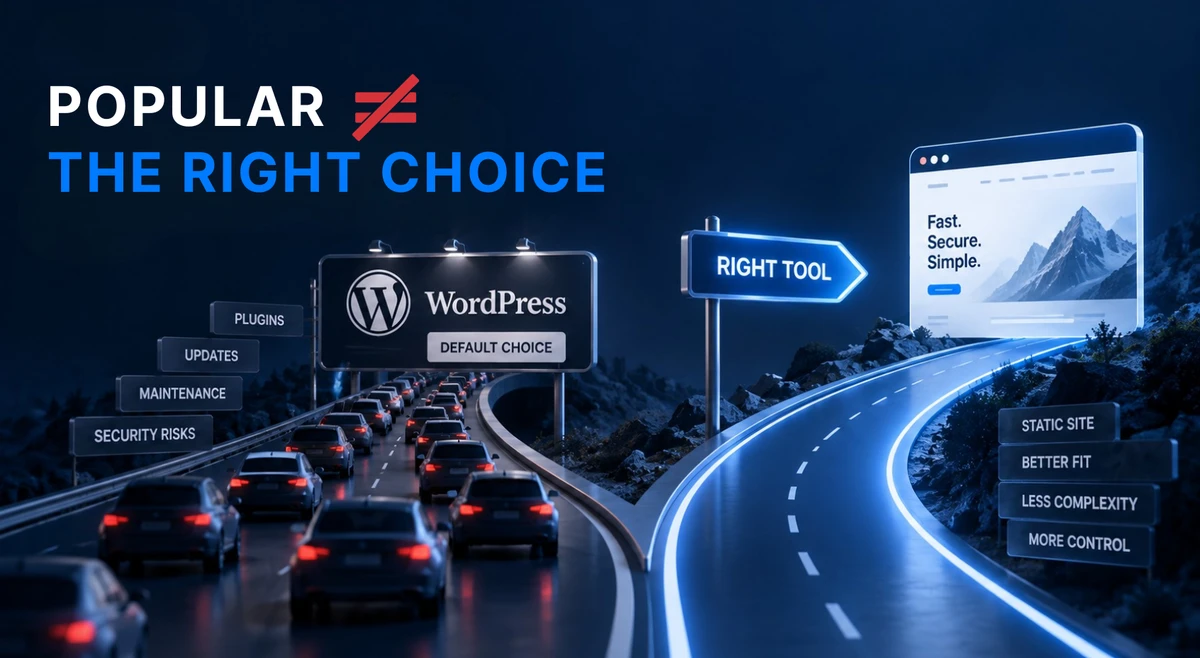
You’re not. You’re being handed a default, not a recommendation. Those two things look identical from the outside, and they usually aren’t the same thing at all.
WordPress powers a very large share of the web, and it earned that position honestly. But “everybody uses it” is a fact about WordPress, not a fact about your website. This post is about the difference.
TL;DR
- WordPress isn’t popular because it’s the best tool for your website. It’s popular because it was the first easy answer, because a whole paid economy grew up around it, and because it’s what most developers already know by heart.
- None of those reasons are about you. Popularity buys you availability — someone is always available to work on it — but it doesn’t buy you speed, safety, or peace of mind.
- What genuinely changed in 2026 is the pace. The gap between “a security hole becomes public” and “someone is already using it” collapsed from weeks to a handful of days. That’s hard to keep up with even if you pay someone to look after the site — and paying them doesn’t move the risk off you.
- WordPress isn’t the right answer even for online stores, membership sites, or newsrooms anymore. Keeping it genuinely secure now costs you availability and easy development — a trade you shouldn’t have to make.
First, the honest part: WordPress earned its place
In the early 2000s, WordPress made it possible to have a website without writing code. Before that, you either learned to code or paid someone who had. That was genuinely revolutionary, and it deserves the credit it gets.
For over a decade it had no serious rival. The software was free, the instructions were everywhere, thousands of ready-made designs existed, and if you got stuck there was a community that had already answered your question somewhere. If you wanted a website between 2008 and 2018, WordPress was the sensible choice.
So when someone says “just use WordPress,” they aren’t being lazy or careless. They’re repeating the correct answer to a question that stopped being correct a while ago. That is exactly why it’s still everywhere — a fifteen-year head start, and head starts compound.
Why WordPress is still so popular
There are four real reasons and none of them is “it’s the best tool for the job.”
It’s the habit — the default answer
Most developers learned WordPress first. It’s where they’re fast, comfortable, and confident. Recommending the tool you know best is human, and it isn’t dishonest — but it does mean something specific.
“Use WordPress” usually translates to “this is what I’m fluent in.” That’s useful information about your developer. It isn’t automatically information about your website. A recommendation and a preference are two different things, and it’s worth asking which one you’re getting.
It’s a business, not a charity
Around WordPress sits an entire economy: designs, add-on programs (plugins), hosting plans, maintenance contracts, courses, agencies. A large share of that economy is paid, and a good chunk of it is sold to people like you.
That’s not a scandal — it’s just how markets work. But it explains something important. When a tool is popular, it’s also profitable, and profitable things get recommended a lot. WordPress is first in line partly because a great many people earn a living from it. That’s the single biggest reason it stays at the top, and it has nothing to do with whether it suits your site.
The promise of “you can edit it yourself”
This is the honest reason most people choose WordPress over a website built by hand: a login page where you can change a sentence, swap a photo, or update your opening hours without calling anyone.
It’s a good promise. It’s also the one most often quietly broken. Plenty of people pay for a WordPress site, log in twice, find it more confusing than expected, and go back to emailing their developer — who then charges for the change. You end up with the bill, the risk, and none of the control you were sold.
You can always find someone who knows it
This one is a genuine advantage, so let’s not pretend otherwise. Thousands of freelancers and agencies know WordPress inside out. Whatever happens, you will never be stranded without someone to call.
Related: Why Your WordPress Site Keeps Breaking — what constant upkeep actually looks like in practice.
What changed in 2026: the treadmill got faster
Everything above has been true for years, and people have lived with it happily. One thing genuinely changed recently, and it isn’t that WordPress turned bad. It’s pace.
For a long time the safety advice was simple: keep everything updated. That advice assumed you had weeks. A problem would be discovered, it would be published, and you’d have time to update your site on a quiet evening before anything happened.
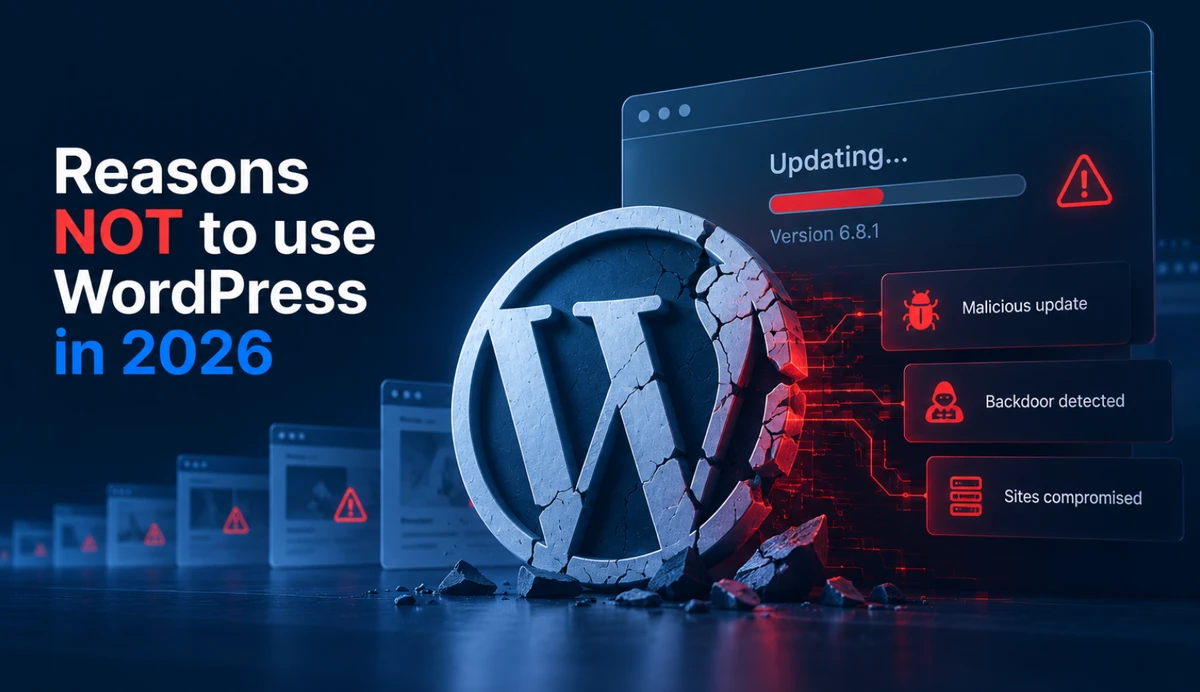
In 2026 that assumption broke. In July, WordPress itself — the main software, not an add-on — could be taken over without a password. It became public on 17 July. By 21 July, government researchers confirmed attackers were already using it. By 22 July, a ready-made attack tool was circulating. Five days, start to finish.
WordPress pushed emergency updates to millions of sites. Many owners first heard about any of it from the news, if they heard at all. The full 2026 record is here if you want the details.
Why does the gap keep shrinking? Because finding and weaponising those holes is now partly automated. Software can read public code and write attack code at a speed that a human attacker couldn’t match a few years ago. The same shift is happening in reverse too — building a simple website is easier than it has ever been — but the security half is moving faster.
Here’s the honest way to think about it. This is not a skill you can make up for by installing one more protective add-on. It’s a time problem. Someone has to react within hours to a warning that probably never reaches you. Most people don’t do that themselves — they pay someone to. That’s reasonable, but the risk doesn’t leave; it only changes who does the work. If that person is slow, it’s still your site and your customers who pay for it.
Large organisations do run WordPress safely. They have dedicated security people, audited code, and round-the-clock monitoring. That’s the level of attention WordPress asks for when things go wrong. Most people running a website have nothing like it — a developer who fits them in between other clients, or nobody at all in charge of security.
The parts nobody explains before you sign up
Three things are worth knowing before you commit.
Your website becomes a revenue line for someone else. Add-on programs for WordPress are often free to install, and they are businesses. Some of them change owners. In one 2026 case, a company bought a well-known collection of add-ons and used the normal update button to deliver harmful code to hundreds of thousands of sites. So when you install one, you’re not just trusting its price — you’re trusting its ownership history, and every future owner of it.
The security fix is another thing to secure. The standard answer to add-on risk is to install another add-on that watches the others. Now you have one more thing to update, one more thing that can break, and typically one more yearly fee.
Attention is the hidden cost. A WordPress site keeps asking for small decisions about software you don’t use: this update notification, that odd-looking setting, that warning about a design you never touched. Pay someone and it becomes their inbox — but it’s still your site they’re deciding about, and your name on the outcome. The money is only half of it. The rest is being permanently, mildly responsible for a system you can’t inspect.
What your customers actually notice
Nobody has ever hired a plumber, a salon, or a lawyer because of what their website runs on. Customers notice whether the page loads before they give up, whether the site looks like it belongs to someone real, and whether they can find the phone number on it.
So here’s the reframe. “What should I build it with?” is a technical question. “Will this bring me customers without becoming a security headache I can’t get rid of?” is the real one. Most people don’t run their own site anyway — someone else does it for them. But paying someone moves the clicks, not the risk. It’s still your name on the site, and your customers’ data behind it, when something goes wrong.
One kind of site answers that second question without asking anything back: a static website. It’s the same idea as any other website — pages your visitors can read — minus the parts that need feeding. There’s no login page to guess, no add-ons to update, and no storage behind it that can be broken into. The entire update treadmill and the whole add-on economy simply don’t apply to you.
If that sounds like a smaller website, it is. Smaller is the point. Most sites that exist to present information are carrying machinery they will never once need.
Where WordPress used to be the obvious answer
Let’s be fair, because “popular” being a bad reason doesn’t make WordPress a bad tool.
- A real online store with stock levels, shipping, and payments. This was WordPress’s strongest case, and it has stopped holding. Keeping a shop secure now costs you availability and easy development, and a shop that is down or half-finished pays for that in orders.
- Membership or logins — people signing in to reach private content. The same trade, with more personal data on the line.
- A newsroom with several writers publishing every day, drafts, and an editing workflow. The same trade again — and your readers notice every hour the site is unavailable.
- A genuinely zero-budget do-it-yourself site, where the real alternative is having no website at all. This is the one case that still stands: a free tool with a security bill you can’t pay is still better than no website. Just know the bill is real.
So here is the honest version. WordPress isn’t broken, and it isn’t a scam. The bargain changed. For years you traded availability and easy development for security, and the trade was worth it. Today the security half is a permanent, skilled job — one you either staff properly or pay for, and paying for it doesn’t move the risk off you.
Match the tool to the job. For most sites now, WordPress isn’t that tool.
Your 60-second decision check
- Someone recommended WordPress because I need it, not because they know it
- My site needs a login, a store, or daily publishing by several people
- I can name the person who handles my site’s updates — and it isn’t me
- I know what that person actually does about security — in specifics, not assurances
- I know which of my add-ons matter, and who currently owns each one
Mostly no? You don’t need WordPress — you need a website. Mostly yes? Then you need those features from somewhere, and WordPress is one way to get them. But the features are the easy part. It’s the last three lines that decide it: without real security cover, the trade isn’t worth making.
Conclusion
WordPress isn’t a mistake anyone made. It’s a default that got inherited — by developers, by agencies, and by everyone who was told “just use WordPress” ten years ago and passed it on.
Defaults are fine. They’re fast, they’re familiar, and they usually work. They only become a problem when they start costing you money, customers, or sleep. At that point it’s worth asking the only question that matters: what does my website actually have to do?
If the answer is “tell people who I am and how to reach me,” you can have that without a maintenance schedule attached. And if the answer is bigger — a shop, a members’ area, a daily newsroom — the same question still applies, only now with a security bill attached that you have to be able to carry.
Related: Reasons NOT to use WordPress in 2026 — the full record of what happened last year, in plain English.
Related: Why Your Website Doesn’t Need to Be Complicated — the simpler-is-better case, without the WordPress history.
Not sure whether your site needs WordPress or just needs to work? Tell us what your website has to do, and we’ll tell you honestly which of the two you’re looking at.