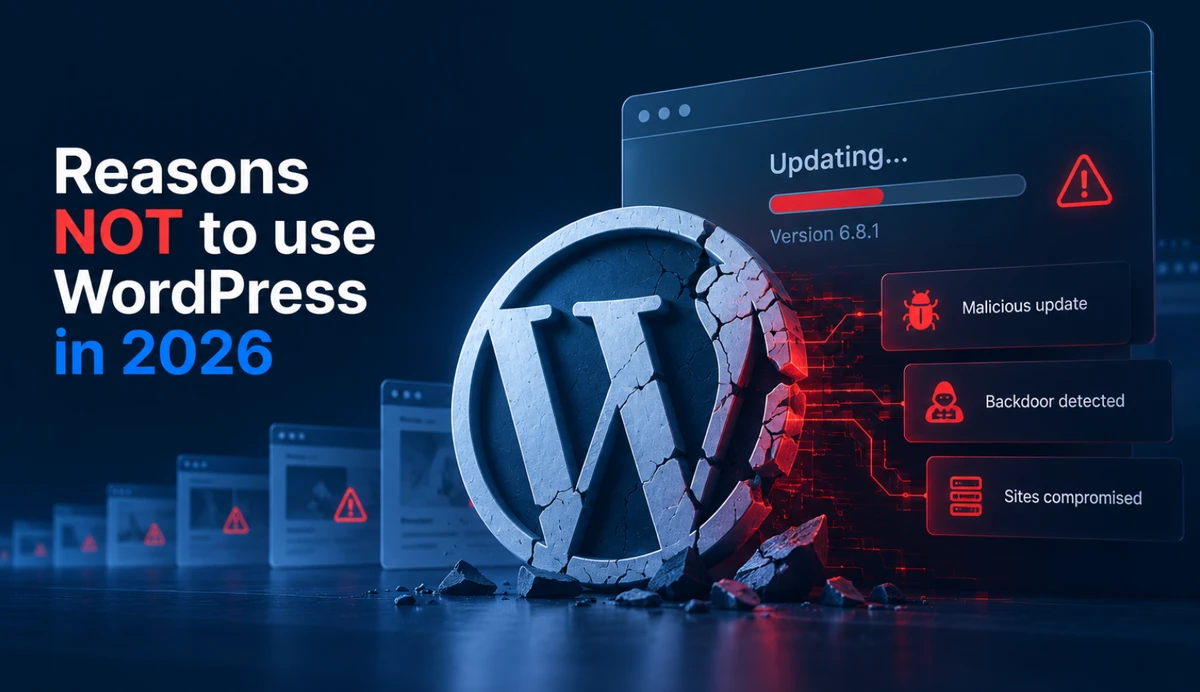
In July 2026, security researchers found a way for a complete stranger to take control of WordPress websites remotely — no password, no login page, nothing. Not a broken add-on. Not a trick email. The WordPress software itself had a flaw that let attackers walk in the front door and install their own administrator account.
Within four days, the U.S. government’s cybersecurity agency confirmed that hackers were already using this flaw to break into live business websites. Within five days, a ready-made attack tool was available for download. And then the mass hacking began.
WordPress was forced to push automatic updates to millions of sites. The only way a business owner knew they’d been hit? They’d log in one day and find an admin account they never created.
This wasn’t an isolated incident. 2026 was the year WordPress’s security record became impossible to ignore for small business owners. And it’s not because WordPress got unlucky. It’s because of how WordPress is built.
The Year WordPress’s “Safe Base” Argument Died
For years, the standard advice was: WordPress itself is secure. It’s the plugins you need to worry about. Just keep everything updated and you’ll be fine.
In 2026, that advice stopped working. The safe base turned out to be the problem.
The July attack — which security researchers named “wp2shell” — exploited two flaws in the WordPress core, the main software that every WordPress site runs on. These flaws were rated 9.8 out of 10 on the severity scale. To put that in perspective, anything above 9.0 is considered “act now, this is an emergency.”
The result was that a stranger with no password, no admin access, and no special knowledge could take over a site entirely. They could lock out the real owner, install their own admin account, and do whatever they wanted with the site — steal customer data, inject malware, redirect visitors to scam pages, or use the site to attack other people.
What this means for your business: You can’t rely on “WordPress itself is secure” anymore. The software that powers your website can be the entry point. And you won’t know until it’s too late.
The Attack Vector That Was Supposed to Be Safe
In April 2026, a company called EssentialPlugin — which sold more than 30 different WordPress plugins, things like sliders, galleries, and marketing tools — was caught pushing malware to hundreds of thousands of websites.
Here’s the part that should worry you: the malware didn’t come through some shady download site. It came through the normal WordPress update system. The system that WordPress owners are told to trust. The system that automatically updates plugins when a new version is available.
The company had changed hands in August 2025. The new owners planted malicious code that sat dormant for months. Then, in April 2026, it activated. When WordPress site owners clicked “update” on their plugins, they were installing a hidden backdoor — a secret door that lets the hacker come back anytime they want.
The malware wrote itself into the site’s most important configuration file. Then it followed instructions from a remote server: inject spam links, create fake pages, redirect visitors. And here’s the kicker — the spam and fake pages were invisible to the site owner. They were only shown to search engine bots, to manipulate Google rankings.
WordPress.org removed the plugins and pushed forced updates. But they warned that simply removing the plugin wasn’t enough. The malware had burrowed into the site itself.
What this means for your business: The standard advice — “just keep your plugins updated” — was literally the attack vector. Hackers used the update system itself to deliver malware. You can’t trust the very mechanism you’re told to rely on.
It Happened Again Two Months Later
In June 2026, it happened again. This time, a company called ShapedPlugin had their “Pro” versions backdoored through the same update system. The malware stole login credentials and two-factor authentication codes, giving attackers full access to sites.
Two separate incidents in three months, both using the exact same method: poison the update channel, wait for site owners to click “update,” and walk in.
This is what security researchers call a “supply-chain attack.” The malware rode in through a normal software update — the update itself was poisoned. It’s the digital equivalent of buying a locked safe, and the manufacturer having a key they didn’t tell you about.
What this means for your business: You are not just trusting the plugin developer. You are trusting their update system, their security practices, their company’s ownership history, and their supply chain. That’s a lot of trust to place in a company you’ve never met, for software you probably got for free.
Niche Businesses Are Targeted Too
If you think your small real-estate site or local business site is too small to be a target, January 2026 proved otherwise.
A plugin called RealHomes — used by real-estate businesses, a niche that matters to many small business owners — had a flaw that let attackers upload malicious files to a website without any authentication. No password, no login, nothing. Just a direct path to taking over the site.
This flaw affected roughly 32,000 active websites. It was rated 9.8 out of 10 — the same severity as the WordPress core flaw in July.
The fix was released on January 22. Within a day, researchers found more than 500 vulnerable sites already being probed by attackers. A security company blocked more than 10,000 attack attempts in the first wave.
And weeks later? Only about 35% of affected sites had applied the fix. Two-thirds of the vulnerable real-estate sites were still sitting there, doors wide open, because their owners didn’t know or didn’t have time to update.
Then in July 2026, the same thing happened with another real-estate plugin — WPL Real Estate, also known as Realtyna. Same type of flaw, same type of takeover, same urgency.
What this means for your business: If you’re in a specific niche — real estate, legal, medical, any industry with specialized tools — you’re not safer. You’re actually more exposed, because the niche plugins you rely on get less security scrutiny than the big, popular ones. And the attackers know it.
Your Hacked Site Becomes a Weapon Against Your Visitors
The scariest story of 2026 didn’t come from a vulnerability disclosure. It came from security researchers at Check Point, who uncovered a criminal operation called StopAndProtect.
The operation was built on thousands of hacked WordPress websites. The criminals used these sites as infrastructure: hosting malware, controlling infected computers, storing stolen files, screenshots, and victim logs.
The operators’ own records listed around 2,000 compromised WordPress domains. More than 6,000 victim IP addresses. Around 31,000 victim screenshots collected. More than 700 archives of stolen data.
And here’s what the researchers found when they investigated why these sites were so easy to compromise: one site in the operation had been running the same WordPress version since 2021 — nearly five years old — with around 40 known security holes.
The criminals didn’t just use the hacked sites to store their stolen goods. They used them to infect the sites’ own visitors. A visitor would land on a hacked WordPress site, see a fake captcha page, and be told to click a button to prove they’re human. That click delivered ransomware to their computer.
What this means for your business: An unmaintained WordPress site doesn’t just hurt you. It becomes a weapon against the people who visit your site. Your customers, your potential clients, your neighbors. If your site is hacked and used to infect visitors, that’s a trust you can never get back.
The Structural Problem No Update Can Fix
Every 2026 incident was either:
- A flaw in a third-party plugin the owner didn’t know about and couldn’t assess
- An update channel the owner was told to trust
- Or — once — the WordPress core itself
In every case, the owner had to act within hours of a news story they almost certainly never saw.
And that’s the structural problem. A WordPress site is not a document. It’s a running program — with dozens of third-party parts, each maintained by a different company, each updating on its own schedule, each a potential entry point for attackers.
Who is the security team for a small business WordPress site? In practice, it’s often the business owner — even when they don’t realize it.
Managed WordPress hosting exists, and it helps. Companies like WP Engine, Kinsta, and SiteGround handle server-level security, push automatic core updates, run daily backups, and scan for known malware. For many small businesses, that’s a real improvement over managing it alone.
But managed hosting doesn’t solve the structural problem. The 2026 attacks went through the update system itself — the same update system managed hosts rely on. When EssentialPlugin and ShapedPlugin shipped malware through legitimate plugin updates, managed sites were hit too. When the WordPress core had a 9.8-rated flaw, managed sites were vulnerable until the patch landed — same as everyone else. And no managed host audits the code inside every plugin you install. The decision to trust a plugin — its developer, its ownership history, its entire supply chain — is still yours.
These attacks are engineered for that weakness. They exploit the fact that a plumber, a baker, a salon owner, or a small-town lawyer does not have time to monitor security news, audit plugin code, and investigate suspicious admin accounts — and that paying for managed hosting doesn’t fully close that gap.
WordPress can absolutely be secured. Large enterprises do it — with dedicated security teams, managed hosting, custom plugin auditing, and round-the-clock monitoring. But for a small business owner, that level of vigilance is unrealistic.
The Honest Alternative: What a Static Website Does Differently
So what’s the alternative?
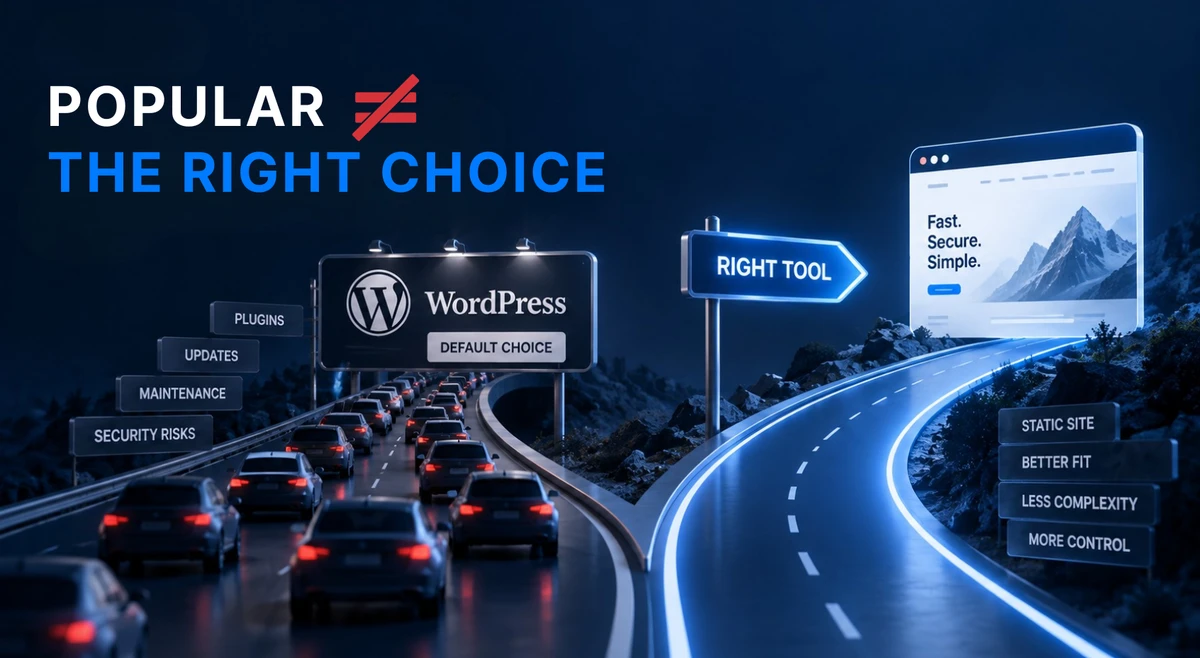
A static website is a set of pre-built files — pages that are already created and just get sent to your visitor’s browser. There is no running program, no database, no login page, and no plugins.
Let’s be honest about what that means:
What WordPress does well — and why you might want it:
- A huge ecosystem of themes and plugins
- A familiar editing interface
- The ability to add complex features without hiring a developer
- A massive community of designers and developers who know it
What a static website gives up:
- You can’t log in and edit pages directly — changes are made by your developer or through a simple editing workflow
- You can’t install a plugin on a whim — adding features requires your developer
- You can’t run a complex e-commerce store or membership site — those need dynamic functionality
What a static website gives you in return:
- No login page for attackers to target — there’s literally nothing to log into
- No plugins to exploit — there are no third-party parts to compromise
- No database to steal — there’s no database
- No update channel to poison — there’s nothing to update on the server
The attack classes that compromised WordPress sites all year in 2026 — plugin flaws, poisoned updates, core vulnerabilities, stolen credentials — cannot reach a static site. Not because the static site has better security. Because the static site doesn’t have the parts that get attacked in the first place.
That’s not a claim that static sites are unhackable. Nothing connected to the internet is truly unhackable. But a static site removes the attack surface — the places where hackers typically get in.
For a small business — a plumber, a baker, a salon owner, a local law firm — a static website covers 95% of what you actually need: a fast, professional site that tells people who you are, what you do, and how to contact you. It does that without requiring you to be a part-time security administrator.
How Exposed Is Your Site? A 30-Second Checklist
Take 30 seconds and answer honestly:
- My site runs WordPress
- I have 5 or more plugins installed
- I don’t know when I last updated them
- I don’t know who my security person is
- I learned about any of the 2026 incidents in this post
If you checked three or more boxes, your site is exactly the kind of target the 2026 attackers went after. Not because you’re careless — because the system you’re using demands more vigilance than any small business owner should need.
Conclusion
2026 was the year the WordPress security argument changed. The safe base turned out to be vulnerable. The update channel turned out to be an attack vector. And thousands of small business websites were caught in the crossfire, used as tools in criminal operations their owners never knew about.
This isn’t about fear-mongering. It’s about facing a simple truth: a WordPress site requires constant security vigilance that is unrealistic for a small business owner to maintain. A static website removes the parts that get attacked — and in doing so, removes the burden of being your own security team.
If your website exists to tell people who you are and what you do, you don’t need a running program with dozens of third-party parts. You need published files that are fast, safe, and boring — in the best possible way.
Related: What Is a Static Website and Why You Might Want One — the full explainer on how static sites work and what they can’t do.
Related: Why Your WordPress Site Keeps Breaking — the maintenance problem, from crashes to constant upkeep.
Is your WordPress site a security headache waiting to happen? Get in touch for a free assessment. We’ll show you what a calmer, safer website looks like.